

Let’s be real. If you are still spending 20 minutes agonizing over the perfect 140-character preheader text, you are optimizing for a ghost. In 2026, the traditional preheader is dead, and AI email summaries have fundamentally hijacked the first screen of the inbox.
Instead of showing your carefully crafted curiosity hook, mail apps like Apple Mail and Gmail now deploy local AI to read your entire email and generate a ruthlessly efficient, one-sentence summary for the user. Forget the glossy marketing tactics; if you don’t know how to write for the algorithm scanning your HTML, your open rates are already bleeding out.
The New Gatekeeper: How AI Scrapes Your Data
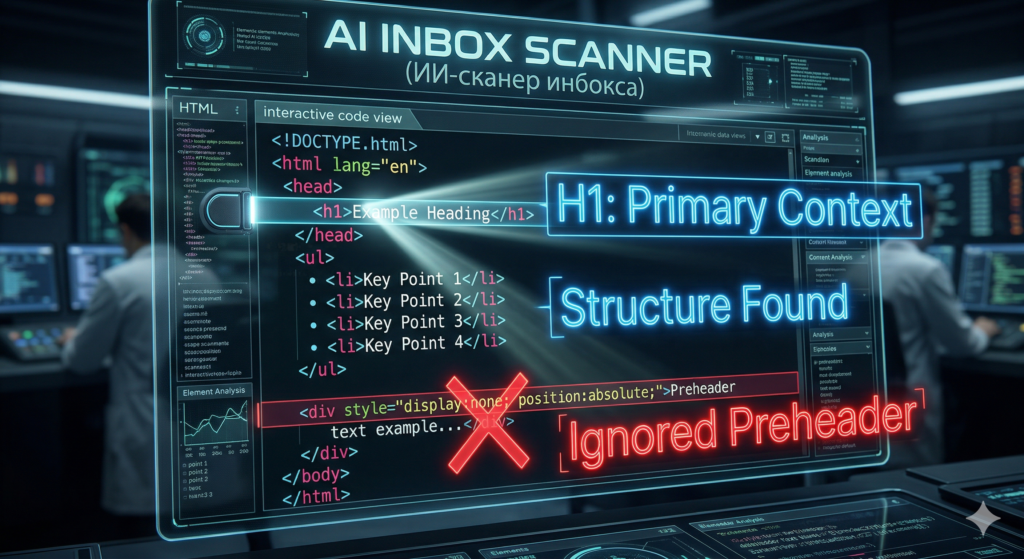
In the past, marketers used hidden <div> tags at the top of their email code to force specific text into the inbox preview. It was a neat trick. Today, AI gatekeepers ignore your hidden tags entirely.
When an email hits an inbox in 2026, the local AI model instantly parses the entire semantic structure of the body. It reads your main headers, scans your paragraphs, and even digs into the fine print in your footer. It then synthesizes all that data into a brutal, factual summary. The AI doesn’t care about your marketing narrative; it only cares about saving the user’s time.
The “Summary Trap”: How AI Email Summaries Change Reality
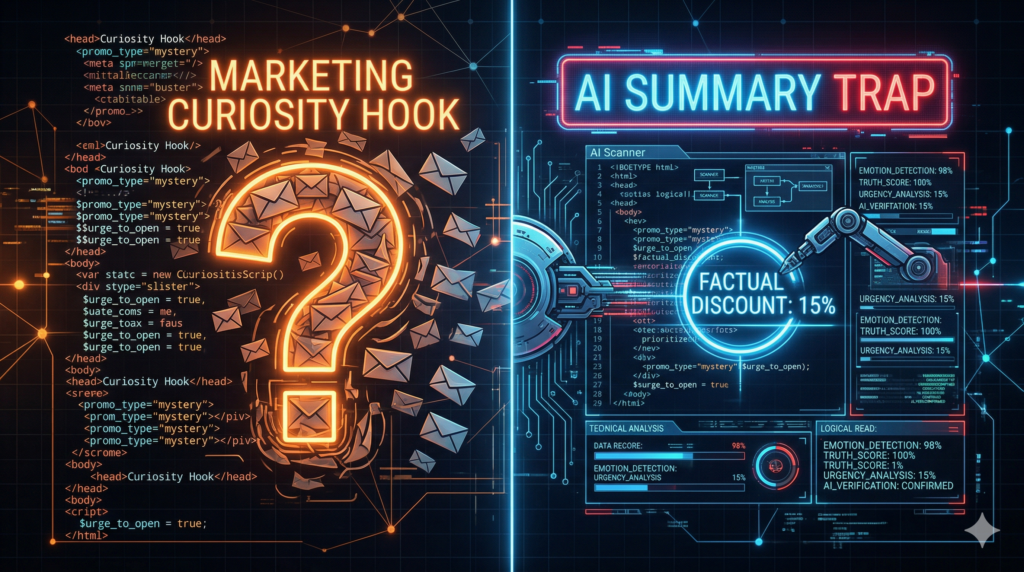
When AI summarizes your email, it destroys the “curiosity gap”—the exact psychological trigger that makes people click. Let’s look at a real-world disaster that is tanking open rates across the board right now.
Before (What the Marketer Intended): Subject Line: You won’t believe what we just unlocked for you… 🤫 Preheader: Open this email before midnight to claim your VIP access and see the surprise inside!
After (What the AI Actually Shows the User): AI Inbox Summary: “The sender is offering a 15% discount on software subscriptions expiring tonight at 11:59 PM. Terms apply.”
The Result: The AI stripped away all the magic. It read the legal disclaimer at the bottom of your email, realized the “surprise” was just a standard 15% discount, and exposed it immediately. The user sees the dry fact, decides they don’t need the software today, and scrolls past. Zero clicks.
Reverse Engineering: Surviving AI Email Summaries
You can’t disable these algorithms, but you can manipulate them. To survive 2026 inbox rules, you have to feed the AI exactly what you want it to spit out.
The “Inverted Pyramid” 2.0
The new rule of email coding is simple: Front-load the value. The AI weights the first 200 visible characters of your email body the heaviest. If your email starts with a massive image banner and no live text, the AI will default to pulling random sentences from your footer. Always start with a strong, text-based H1 tag right at the top of the body.
Feed the Bot with Bullet Points
AI models are trained to look for structured data. If you bury your core offer in a dense block of text, the AI might hallucinate a summary. Instead, use HTML bullet points. If you list three distinct benefits in bullet points, the AI is highly likely to extract them verbatim for the inbox preview. Structure your code cleanly, and the bot will do your PR for you.
Deliverability & AI Trust: Does the Bot Like Your Content?
Here is the dark side of these AI email summaries. The AI isn’t just summarizing; it’s judging.
If your domain reputation is unstable, or if the AI detects aggressive, spammy patterns in your HTML structure, it won’t even bother generating a polite summary. I already broke down the nightmare of SMTP 550 errors and Gmail red flags that are wiping out senders this year. If you have DNS hygiene issues, the AI summary might simply read “Promotional content / Possible Spam,” ensuring your email is incinerated before it’s even opened. Technical trust and semantic structure are now permanently linked.
The Final Verdict: Adapt or Die
The era of tricking the user into opening an email is over. Apple and Google have handed the power back to the consumer via AI email summaries.
Stop wasting time hiding text in invisible <div> tags. Start formatting your emails with clean semantic HTML, front-loaded value, and clear bullet points. Write the first 200 words for the AI, so the AI will convince the human to click. Let’s work.
📚 References & Technical Sources
Apple Developer Documentation: Apple Intelligence: Mail Categorization and Summarization Guidelines
Google Workspace Updates: How Gemini creates smart summaries in Gmail
Litmus / Email on Acid: State of Email 2026: The Shift from Preheaders to Semantic HTML
E.Gerion Reviews: From Gmail Red Flags to SMTP 550 Errors: Why Servers are Ghosting Your Emails in 2026